
Last week, Jack Dorsey's Block cut nearly half its workforce — over 4,000 jobs. He called it an “AI gamble.” The company is betting that a smaller team using AI can outperform the larger team they had before.
Maybe that bet pays off for Block. Maybe it doesn't. But the pattern it represents is real and it's accelerating. Companies are asking: do we need as many people if AI handles a significant portion of the work?
The workers who don't have to worry about that question are the ones who've already made AI part of how they work. Not because AI is their job — but because AI makes them significantly more effective at their job. That's the distinction worth understanding.
The Gap Is Real (And Widening)
The numbers aren't speculation. Here's what the data shows:
- The IMF and World Economic Forum estimate that 80% of workers need new AI-related skills within the next 12-18 months
- Workers with AI skills earn a 56% wage premium on average — the largest skills gap advantage in a generation
- Job postings explicitly requiring AI skills have tripled since 2023
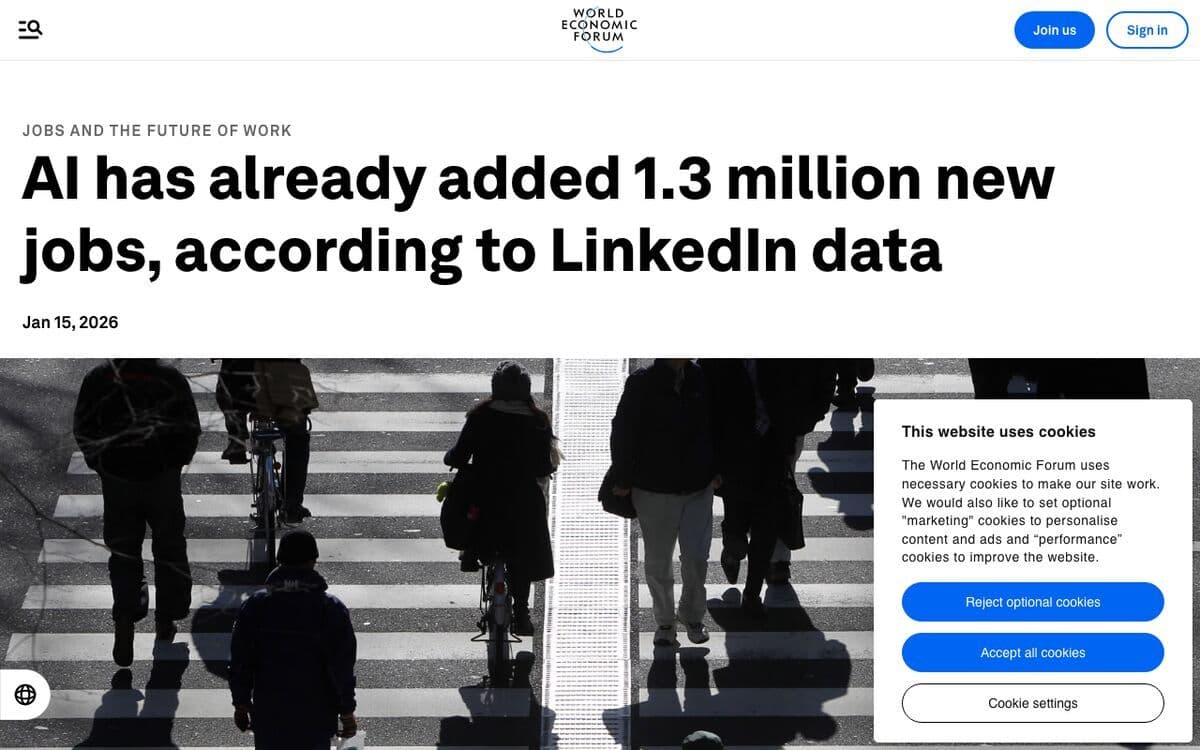
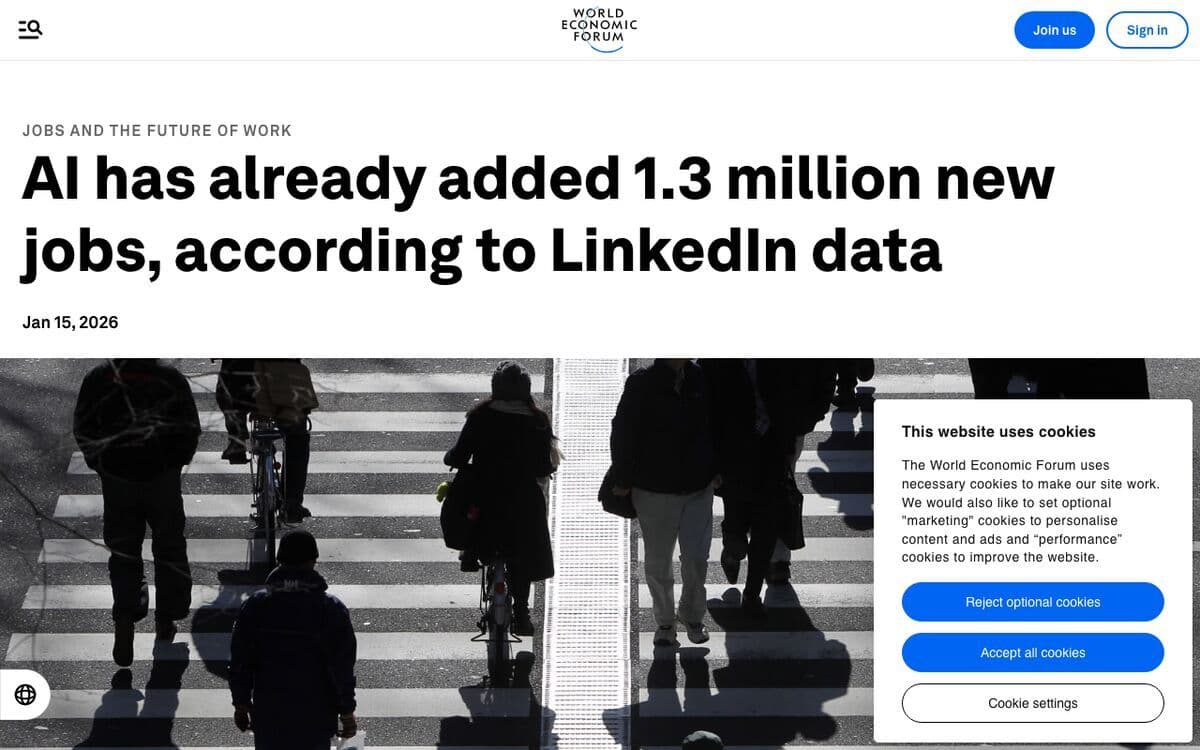
- AI has already added 1.3 million new jobs in the U.S. alone — not replacing jobs at a net level, adding them
- Over 90% of enterprises are projected to face critical skills shortages by end of 2026, risking $5.5 trillion in productivity losses
The headline story gets told as “AI is coming for jobs.” The more accurate version: people who know how to work with AI are getting better jobs, faster promotions, and more leverage. The ones who wait are getting left behind — not by AI, but by colleagues who didn't.
We see this with businesses we work with on AI productivity. The companies ahead of the curve aren't the ones that bought the most software licenses. They're the ones that made AI literacy a priority before they were forced to.
What “AI Skills” Actually Means
Here's where most people get it wrong. “AI skills” gets treated like a technical credential — something software engineers have, not something a sales rep or operations manager needs.
That framing is exactly backwards.
The AI skills that matter in 2026 aren't programming skills. They're:
- Prompt skills: Knowing how to ask AI tools for what you actually need. Being specific. Iterating. Getting good outputs instead of mediocre ones.
- Workflow integration: Identifying where AI fits in your existing process — which tasks to hand off, which to keep, how to verify the output.
- Tool fluency: Being comfortable with 3-5 AI tools relevant to your work. Not needing to learn every new thing, but not being frozen by any of them either.
- Process documentation: This is the one most people miss. You can't hand a task off to an AI if you can't clearly describe how that task should be done. The companies getting 3x more value from AI are the ones who documented their processes first.
None of that requires knowing how to code. All of it is learnable in weeks, not months.
The Tools Worth Knowing in 2026
You don't need to use every AI tool. You need fluency with a small set that's relevant to your work. Here's how we'd break it down:
For writing, thinking, and research
- Claude (Anthropic) — Best for long-form writing, complex reasoning, and working with large documents. Extended context makes it particularly useful for reading and synthesizing long reports, contracts, or research.
- ChatGPT (OpenAI) — 900 million weekly users for a reason. Strong general-purpose tool, especially with GPT-4o. The right starting point for most people new to AI.
- Perplexity — AI-powered search that cites sources. If you do a lot of research, this replaces a significant chunk of your Google time.
For content and marketing
- Notion AI — If your team already uses Notion, the AI assistant can summarize meeting notes, generate action items, and draft content from inside your workspace.
- Claude or ChatGPT for drafts — Writing first drafts of emails, social posts, proposals, and blog posts. The key is reviewing and editing the output, not publishing it raw.
For business operations
- Zapier AI and n8n — Workflow automation that connects your tools. When you know what AI can automate, these let you actually build those automations without code.
- ChatGPT or Claude for data — Upload a spreadsheet and ask questions about it in plain English. Summarize sales data, find patterns in customer feedback, generate a report from raw numbers.
You don't need all of these. Start with the one that maps most directly to something you do every day. That's where the fastest return on your time lives.
A 30-Day Plan for Getting Started
This is the framework we walk through with every business owner in our AI coaching sessions. It works whether you're a solo operator or running a team of 20.
Week 1: Pick one tool and one task. Don't try to overhaul everything. Choose the AI tool most relevant to your work (Claude or ChatGPT for most people). Pick the one task that takes the most time in your week. Use AI to handle a first draft, a summary, or an outline of that task every day.
Week 2: Document the process. Write down exactly how you do the task you're automating. What inputs does it need? What does good output look like? What decisions happen along the way? This documentation becomes your prompt template. It also makes your process transferable — to AI, to a new hire, to anyone.
Week 3: Build your prompt library. As you figure out what prompts work well, save them. A prompt library is just a doc or Notion page with your best inputs for common tasks. “Write a follow-up email after a sales call where [outcome]” is more useful than starting from scratch every time.
Week 4: Add a second task. Once one task is running smoothly with AI assistance, identify the next biggest time drain. Add that to the rotation. By the end of month one, have 2-3 tasks where AI is a genuine part of your workflow — not an experiment.
At that point, the momentum is self-sustaining. Once you see time coming back in your week, you naturally look for the next opportunity.
How to Build AI Into Your Actual Job
The businesses ahead of the curve right now did one thing differently. As we noted in a LinkedIn post recently: “The ones who document their processes first get 3x more value from AI tools than the ones who just chase the latest model. The tech changes every month. Your playbook compounds forever.”
That's still true. Here's what it looks like in practice:
- Sales teams: Prompt templates for writing follow-up emails, summarizing call notes, and doing prospect research before calls. AI doesn't close deals — it gives reps more time to sell instead of type.
- Operations: AI for drafting SOPs, summarizing meeting notes, generating reports from structured data, and writing job descriptions. Admin that used to take an afternoon takes 20 minutes.
- Marketing: First drafts of blogs, social posts, email sequences, and landing pages. AI writes the first 70%; a human edits for voice, accuracy, and strategy.
- Customer service: AI-assisted replies, chatbots handling tier-1 questions, knowledge bases kept current with AI-generated documentation.
- Leadership: Summarizing lengthy documents and reports, prepping for board meetings, synthesizing team feedback, drafting communications.
The pattern across all of these: AI handles the parts that are slow, repetitive, and low-stakes on judgment. Humans handle the judgment calls, relationship work, and anything where context and trust matter. That division of labor is where the productivity gains live.
And it compounds. Every process you document becomes a template. Every template gets refined. Six months in, your team has a library of high-quality workflows that let them move faster than teams twice their size.
We covered the broader picture in our AI small business guide and our AI tools breakdown. Both are good starting points if you want to go deeper on specific use cases.
Where We Come In
We've helped dozens of business owners and teams go through exactly this process — figuring out where AI fits, what to actually do first, and how to build habits that stick.
Our AI Strategy Session ($149) is designed for business owners who want a structured starting point. In 60-90 minutes, we walk through your current workflows, identify your highest-leverage AI opportunities, and give you a written action plan you can start on the same week. No homework required before you show up.
If you'd rather explore on your own first, everything we recommend in these posts is something we use ourselves or have deployed for clients. The tools are there. The question is just where to start.
The businesses that adapt first aren't doing anything magical. They're just not waiting.

Elevated AI Consulting
Sam Irizarry is the founder of Elevated AI Consulting, helping businesses grow through strategic marketing and AI-powered solutions. With 12+ years of experience, Sam specializes in local SEO, web design, AI integration, and marketing strategy.
Learn more about us →