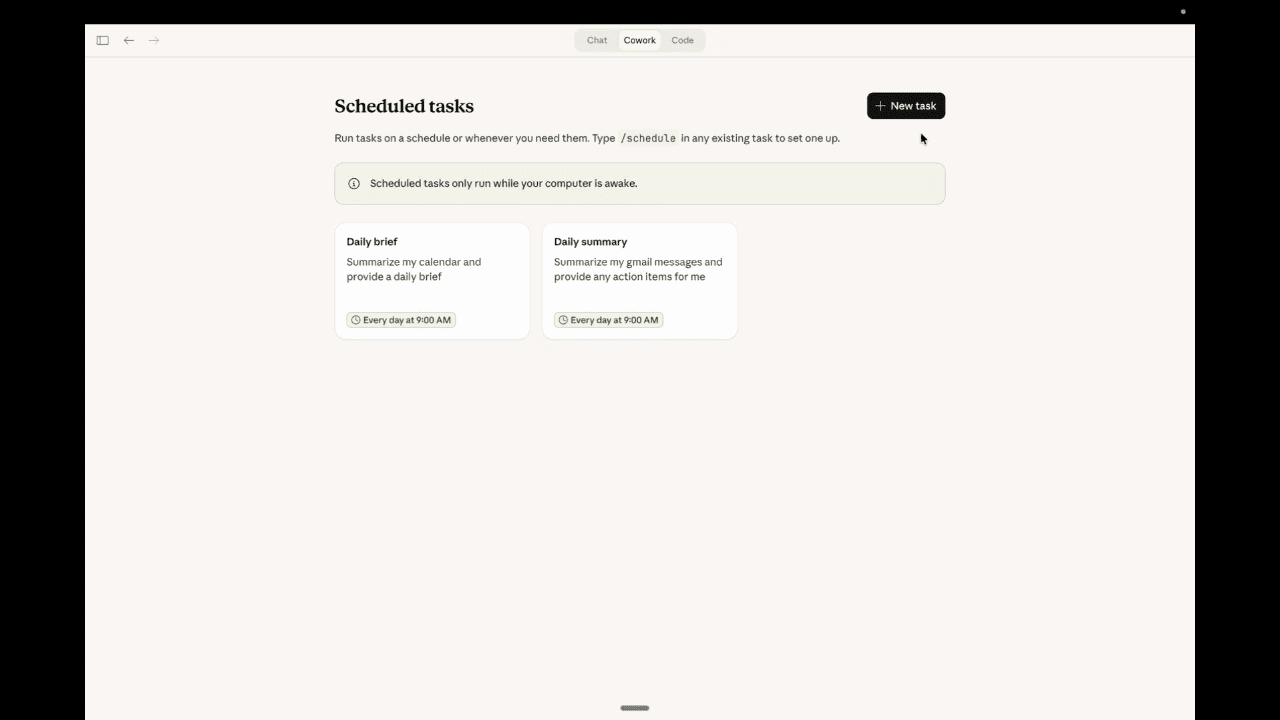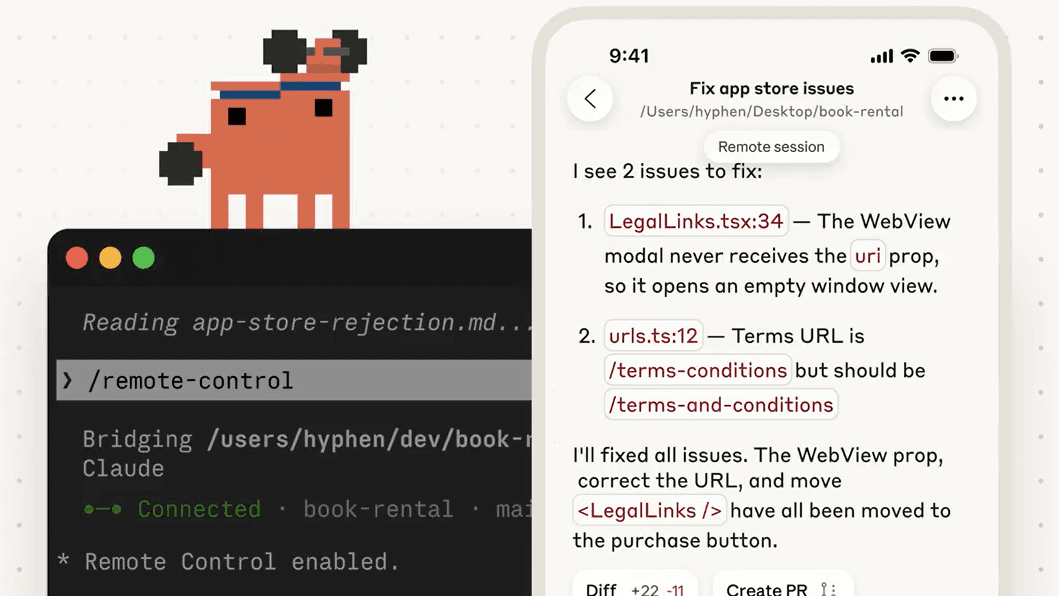

If you've been using Claude Code or Claude Desktop in the past few months, you've probably seen three terms thrown around: skills, plugins, and MCP. They all extend what Claude can do. They all sound similar. And nobody explains the difference clearly.
We just built a custom skill for our own X/Twitter engagement workflow, and in the process it became obvious why these distinctions matter. Each one solves a different problem, and picking the wrong one wastes time.
Here's the practical breakdown.
Why This Matters Right Now
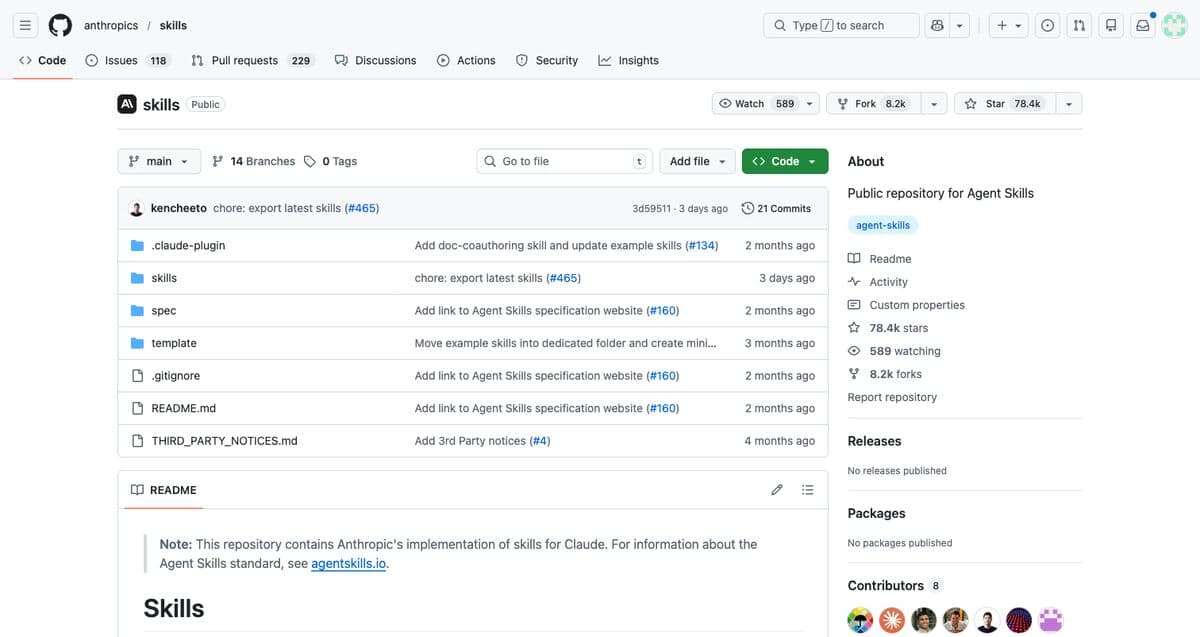
Anthropic open-sourced their skills library this week. The official plugin marketplace has over 9,000 plugins. And MCP adoption keeps accelerating with new integrations shipping weekly.
The customization stack for Claude is maturing fast. But most people are still confused about what goes where. We talk to businesses every week who want to extend Claude for their team but don't know whether they need a skill, a plugin, or an MCP server.
Short answer: you probably need all three, but for very different reasons.
What Are Claude Skills?
A skill is a folder with a SKILL.md file that teaches Claude how to do something specific. Think of it as an onboarding document for a new team member. It doesn't give Claude new tools. It gives Claude instructions for how to use the tools it already has.
A basic skill looks like this:
my-skill/
├── SKILL.md           # Instructions (required)
├── references/        # Detailed docs Claude reads when needed
├── scripts/           # Code Claude can execute
└── assets/            # Templates, images, files for output
The SKILL.md has two parts: YAML frontmatter that tells Claude when to use the skill (the name and description), and markdown content that tells Claude how to do the work.
Here's a real example. We built a skill that handles our entire X/Twitter engagement workflow:
---
name: twitter-engage
description: "X/Twitter engagement agent for Elevated AI
  Consulting. Runs autonomous engagement sessions..."
---

# X/Twitter Engagement Agent

## Before You Start
Read these reference files bundled with this skill:
1. Voice guidelines — Writing rules, tone, reply frameworks
2. Voice positions — Sam's opinions and hot takes
3. Brand voice — Account info, services, positioning

## Session Planning
1. Check notifications — Reply to engagers FIRST
2. Review history — Don't repeat topics
3. Scan trending topics — Search X for trending AI topics
...
That single skill file, with its supporting reference docs, turns Claude into a full social media engagement agent. It knows our voice, our opinions, our daily quotas, and how to use Playwright to interact with X. All from a markdown file and a few reference docs.
Key characteristics of skills
- Automatic triggering. Claude reads skill descriptions and loads them when relevant. Ask “how does this code work?” and an explain-code skill activates automatically.
- Progressive disclosure. Only the name and description load into context initially (~30-50 tokens per skill). Full instructions load only when the skill is actually used. This keeps your context window clean.
- Portable. Skills follow the open Agent Skills standard. They work in Claude Code, Claude Desktop, and other AI tools that support the spec.
- Can be invoked manually. Type
/skill-nameto trigger one directly, or let Claude decide when to load it.
Where skills live
| Location | Path | Scope |
|---|---|---|
| Personal | ~/.claude/skills/ | All your projects |
| Project | .claude/skills/ | This project only |
| Enterprise | Managed settings | All users in your org |
Bottom line: Skills are for workflow logic. They teach Claude your processes, your standards, your voice, your way of doing things. They're the “how” layer.
What Are Claude Plugins?
If skills are onboarding docs, plugins are the finished product you hand to a team. A plugin is a distributable package that bundles multiple components into a single install.
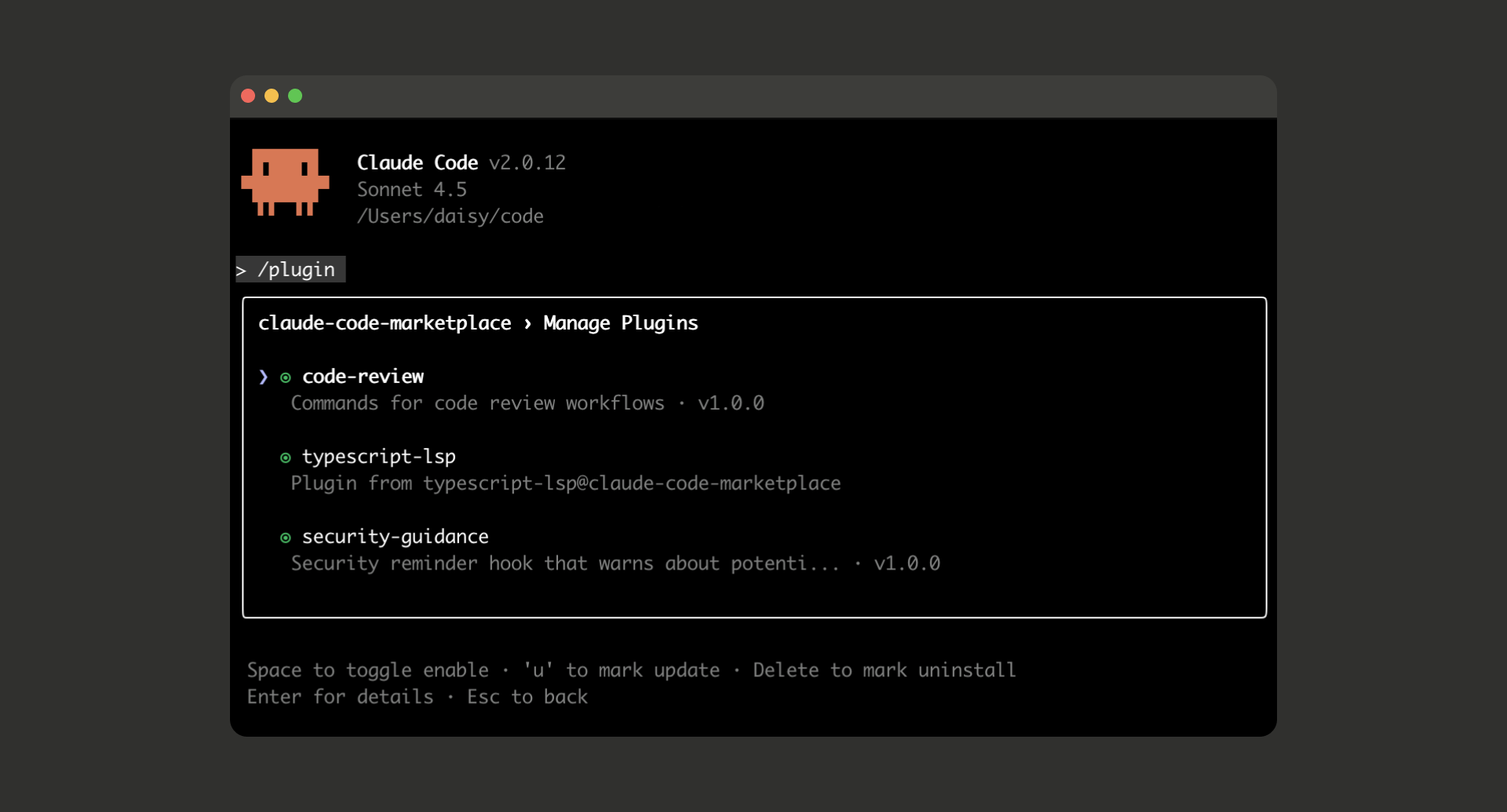
A plugin can contain any combination of:
- Skills — workflow instructions
- Slash commands — manual triggers like
/deployor/review - Agents — specialized subagents for specific tasks
- Hooks — event handlers that run automatically (like linting after every file edit)
- MCP servers — connections to external tools
- LSP servers — code intelligence for specific languages
The plugin directory structure:
my-plugin/
├── .claude-plugin/
│   └── plugin.json     # Name, version, description
├── skills/             # Skills bundled in the plugin
├── commands/           # Slash commands
├── agents/             # Custom agent definitions
├── hooks/              # Event handlers
├── .mcp.json           # MCP server configs
└── .lsp.json           # Language server configs
What makes plugins different from standalone skills
- One-click install. Run
/plugin install plugin-name@marketplaceand everything is set up. No manual file copying. - Namespaced. Plugin skills are prefixed with the plugin name (
/my-plugin:review) so they never conflict with other plugins or your personal skills. - Versioned. Plugins use semantic versioning. Auto-updates keep everyone on the latest version.
- Marketplace distribution. The official Anthropic marketplace has 9,000+ plugins. You can also create private team marketplaces.
Popular plugins in the official marketplace
- Code intelligence: TypeScript, Python, Rust, Go LSP plugins that give Claude real-time type checking and code navigation
- External integrations: GitHub, Slack, Figma, Notion, Linear, Sentry, Vercel, Supabase
- Development workflows: commit-commands (git workflows), pr-review-toolkit, plugin-dev (for building your own)
Bottom line: Plugins are for distribution. They package everything into a shareable unit. If you're building something just for yourself, you probably don't need a plugin. If you want to share it with your team or the community, plugins are the way.
What Is MCP?
MCP (Model Context Protocol) is the plumbing. It's an open standard for connecting AI models to external systems: databases, APIs, file systems, SaaS tools, anything.
When you hear “Claude can read my Google Drive” or “Claude can create Jira tickets,” that's MCP. It's the connection layer that lets Claude reach outside its own context and interact with real tools.
The architecture is straightforward:
- Host — the app running Claude (Claude Desktop, Claude Code, etc.)
- MCP Client — inside the host, connects to servers
- MCP Servers — expose tools, resources, and prompts from external systems
When Claude starts, it connects to configured MCP servers and asks “what can you do?” The server responds with a list of available tools, and Claude can use them during conversations.
Common MCP use cases
- GitHub: Create PRs, review code, manage issues
- Slack: Read channels, send messages, search conversations
- Google Drive/Gmail/Calendar: Read documents, send emails, check schedules
- Databases: Query PostgreSQL, MongoDB, or any database directly
- Playwright: Automate browser interactions (we use this for our X/Twitter engagement)
- Supabase, Vercel, Stripe: Manage infrastructure, deployments, and payments
Bottom line: MCP is for tool access. It doesn't tell Claude what to do (that's skills). It doesn't package things for distribution (that's plugins). It gives Claude hands to reach into your actual tools and systems.
How They Work Together
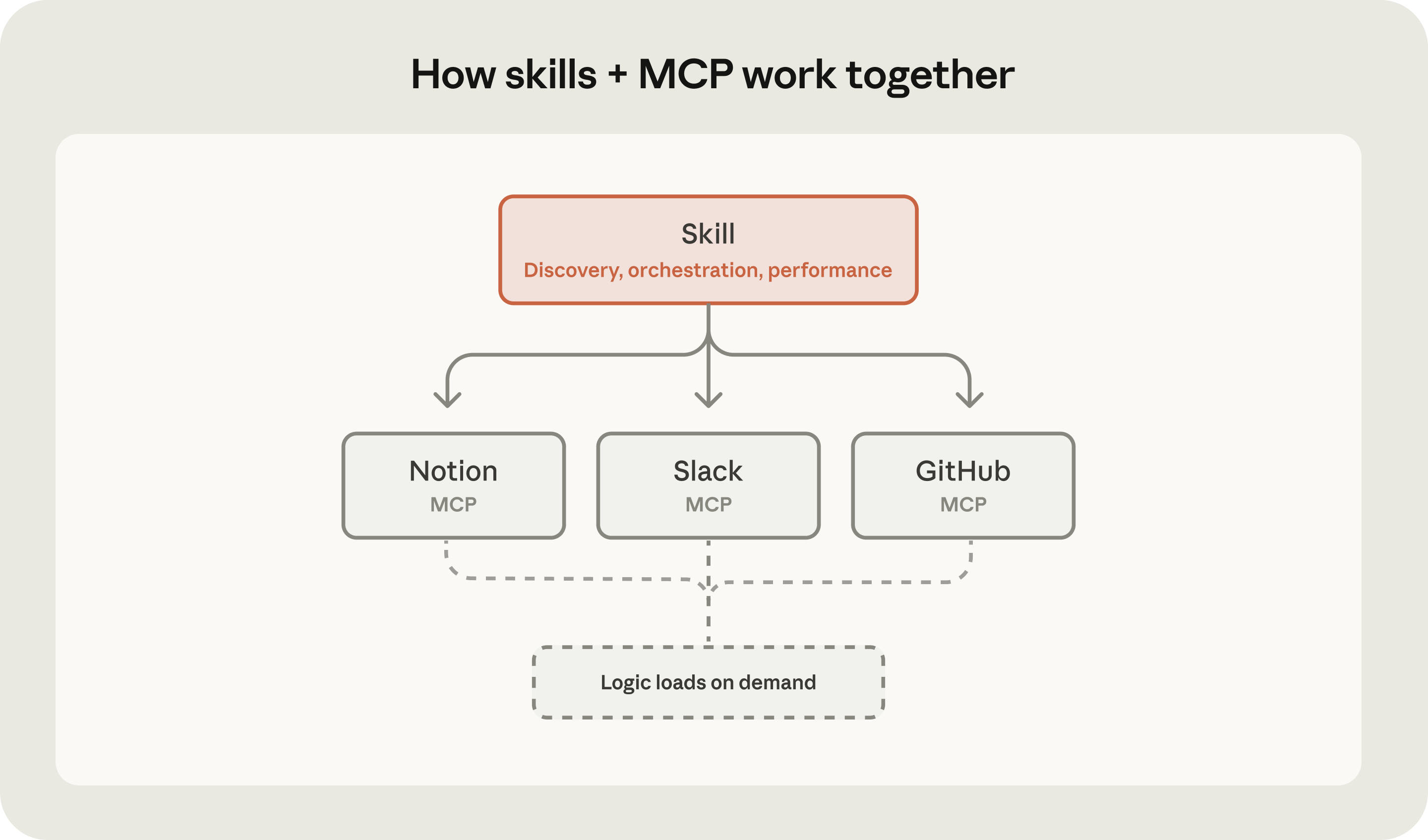
The three layers complement each other. Here's a real example from our own workflow:
We built a skill that teaches Claude how to run X/Twitter engagement sessions for our business. The skill contains our voice guidelines, daily quotas, content strategy, and session planning workflow.
That skill uses MCP (Playwright) to actually interact with X in a browser — navigating pages, clicking buttons, typing replies, liking posts.
We then packaged the skill into a .skill file (a portable bundle) so it can be installed in Claude Desktop with one drag-and-drop.
If we wanted to share our entire engagement setup with a team — including the Playwright MCP server config, the skill, and custom slash commands — we'd package it as a plugin.
The division of labor:
- MCP answers: “What tools can Claude access?”
- Skills answer: “How should Claude use those tools?”
- Plugins answer: “How do I ship all of this to someone else?”
Side-by-Side Comparison
| Aspect | Skills | Plugins | MCP |
|---|---|---|---|
| What it is | Instruction files | Distributable packages | Tool connection protocol |
| Purpose | Teach Claude workflows | Bundle and share extensions | Connect to external tools |
| Core file | SKILL.md | plugin.json | .mcp.json |
| Invocation | Automatic or /name | /plugin:name | Claude uses tools as needed |
| Install method | Copy folder or drag .skill file | One-click from marketplace | claude mcp add |
| Best for | Personal workflows, team standards | Team distribution, community sharing | Connecting to SaaS tools, APIs, databases |
| Context impact | Minimal (progressive loading) | Minimal (packaged efficiently) | Minimal (tool list only) |
| Can contain | Markdown, scripts, references, assets | Skills, MCP, agents, hooks, LSP | Tool definitions and connections |
Which One Do You Actually Need?
Here's the decision framework we use with clients:
You need a skill if...
- You want Claude to follow a specific process (code review checklist, content guidelines, deployment steps)
- You're repeating the same instructions across conversations
- You want Claude to apply your company's standards automatically
- You need Claude to handle a specialized task with specific constraints
Example: A marketing team creates a “brand-voice” skill so Claude writes every email, blog post, and social caption in their exact tone. A dev team creates a “deploy” skill with their specific release process.
You need a plugin if...
- You want to share a workflow with your team (not just yourself)
- You need to bundle multiple components (skills + MCP + hooks) together
- You want version control and automatic updates
- You're distributing to a community or marketplace
Example: An engineering team packages their code review skill, Git hooks, and GitHub MCP connection into a single “eng-workflow” plugin. New team members run one install command and they're set up.
You need MCP if...
- You want Claude to interact with external tools (GitHub, Slack, Google Drive, databases)
- You need Claude to read or write data from your systems
- You want to automate tasks that span multiple applications
Example: A sales team connects Claude to their CRM, email, and calendar via MCP so Claude can look up prospect info, draft follow-ups, and check availability all in one conversation.
Getting Started This Week
Don't try to set up all three at once. Start with whatever solves your most immediate problem:
1. Create your first skill (5 minutes)
Pick one thing you keep telling Claude to do the same way. Code review standards? Email tone? Data analysis approach? Write it down in a SKILL.md file.
mkdir -p ~/.claude/skills/my-workflow
# Create SKILL.md with your instructions
# Claude will start using it automatically
Anthropic's open-source skills library has dozens of examples to reference. Start there.
2. Install a plugin from the marketplace (30 seconds)
Open Claude Code, run /plugin, and browse the Discover tab. The TypeScript LSP plugin alone is worth it — Claude gets real-time type checking after every edit.
3. Connect your first MCP server (2 minutes)
Most people start with GitHub. Run:
claude mcp add github
Now Claude can create PRs, review code, and manage issues directly. 73% of MCP users start with the GitHub server, according to community data.
The progression
Most teams we work with follow this path:
- Week 1: Install 2-3 plugins from the marketplace (GitHub, TypeScript LSP, commit-commands)
- Week 2: Create a personal skill for your most repeated workflow
- Week 3: Add MCP connections to the tools your team uses daily
- Week 4: Package your best skills into a plugin for the team
The customization stack for Claude is the most mature of any AI tool right now. Skills for workflow logic, MCP for tool connections, plugins for distribution. Each layer does one thing well, and they combine cleanly.
If you want help building custom skills or setting up Claude for your team, that's exactly what we do. Book a free call and we'll walk through what makes sense for your workflow.
Follow @elevatedaico on X for daily takes on AI tools, and subscribe to our newsletter below for the full breakdowns.

Elevated AI Consulting
Sam Irizarry is the founder of Elevated AI Consulting, helping businesses grow through strategic marketing and AI-powered solutions. With 12+ years of experience, Sam specializes in local SEO, web design, AI integration, and marketing strategy.
Learn more about us →